Cal AI vs Caloura vs MyFitnessPal: Free Calorie Tracker Comparison
Three Different Approaches to Calorie Tracking
Cal AI, MyFitnessPal, and Caloura all help you track calories, but they approach it differently. MyFitnessPal is the long-standing database-driven tracker built around manual search and barcode scanning. Cal AI popularized AI photo-based logging — point your camera at a meal and get an instant estimate. Caloura combines that same AI photo-scanning approach with a fully free model and no subscription tier at all. Here's how they actually compare on what matters most: cost and core features.
Cal AI: Fast Photo Scanning, Limited Free Tier
Cal AI's biggest strength is speed — snapping a photo and getting an instant calorie estimate is genuinely convenient, and it's a big part of why the app grew so quickly. However, its free tier is fairly limited: it typically caps you at just a handful of AI scans per day, which doesn't comfortably cover a full day of meals and snacks. To get unlimited scans, detailed macro breakdowns, and historical tracking, you'll need a paid subscription, with pricing that has varied across weekly, monthly, and annual plans. It's also worth noting that MyFitnessPal acquired Cal AI in early 2026, so the two are now under the same parent company, though Cal AI still runs as its own app.
MyFitnessPal: The Established Database Option
MyFitnessPal has one of the largest food databases in the industry, built up over more than a decade, plus barcode scanning and a large community of users contributing food entries. Its free tier covers basic logging, but several features — including more detailed macro and nutrient breakdowns, ad-free use, and some premium insights — are gated behind a paid subscription. It's a solid, reliable option if you prefer manual database search over AI photo scanning, but it doesn't offer AI food recognition on the free tier.
Caloura: AI Scanning With No Subscription
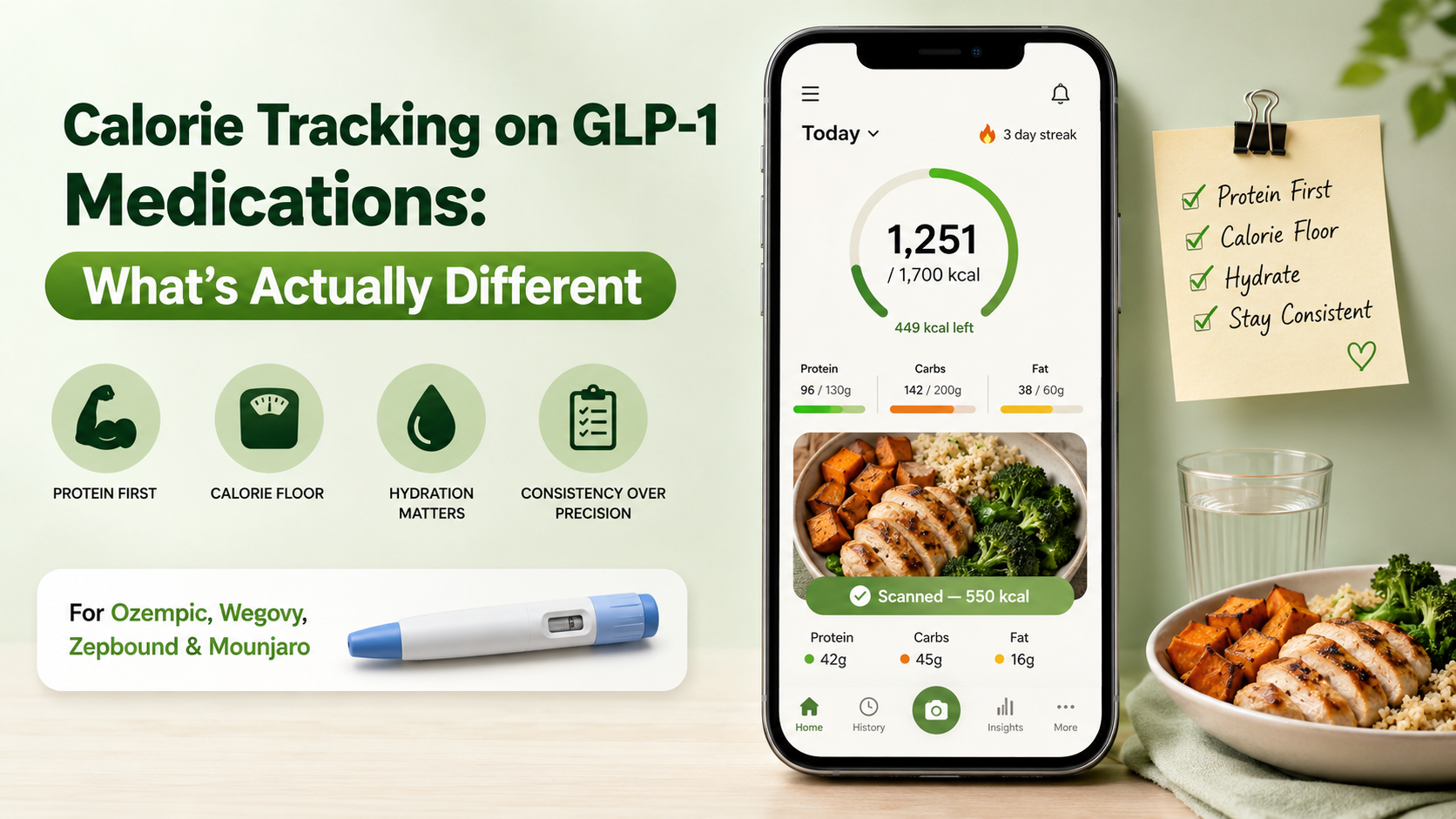
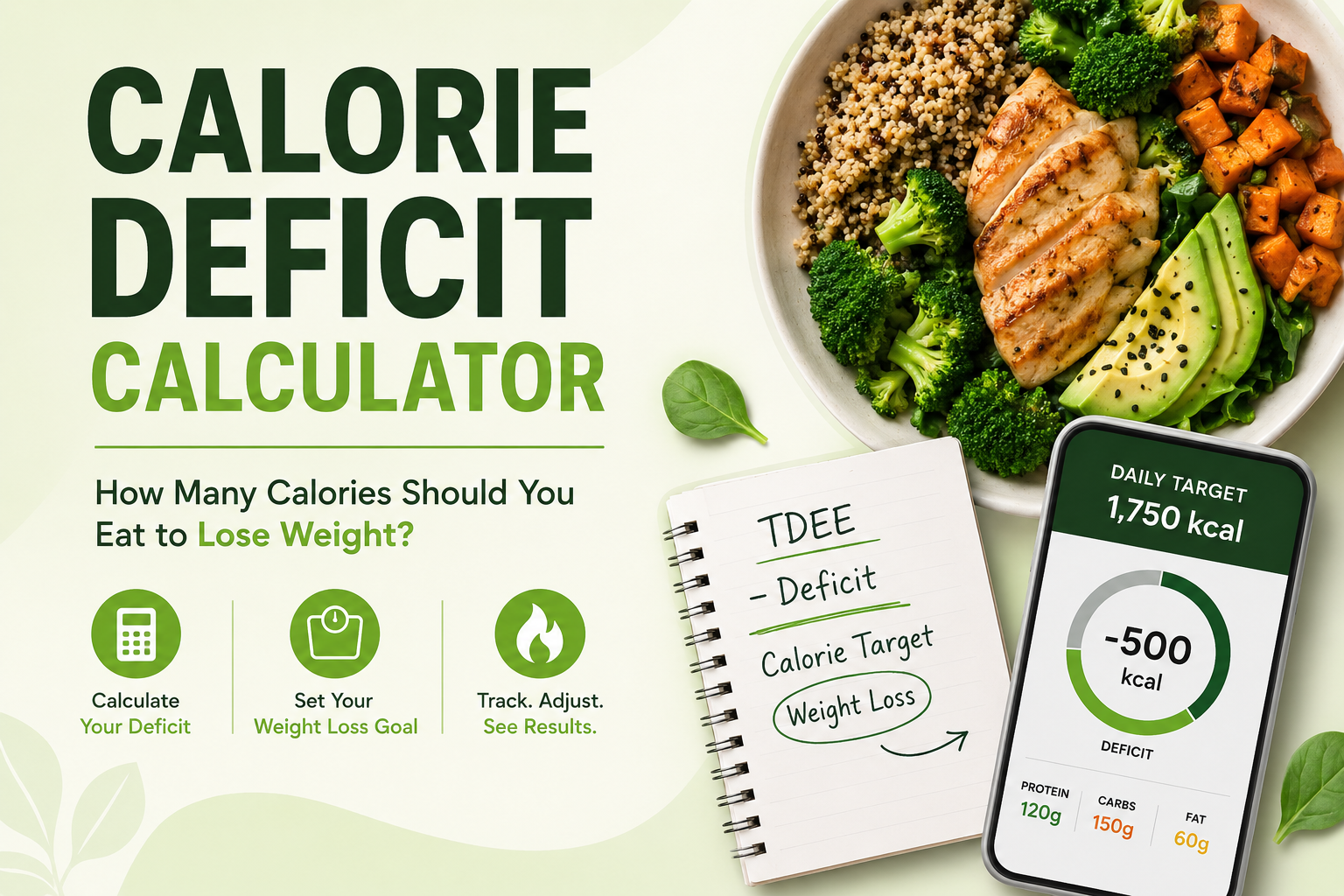
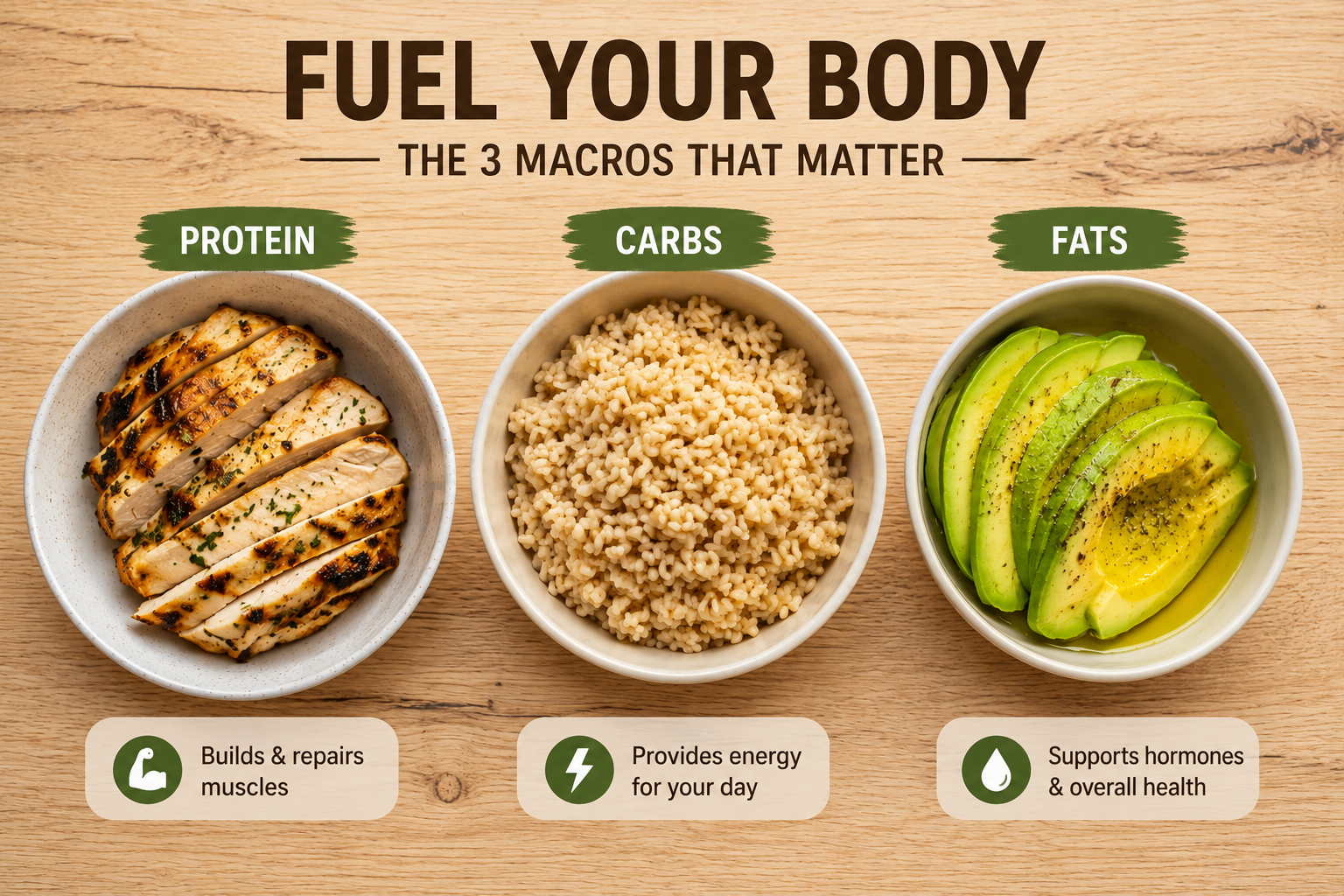
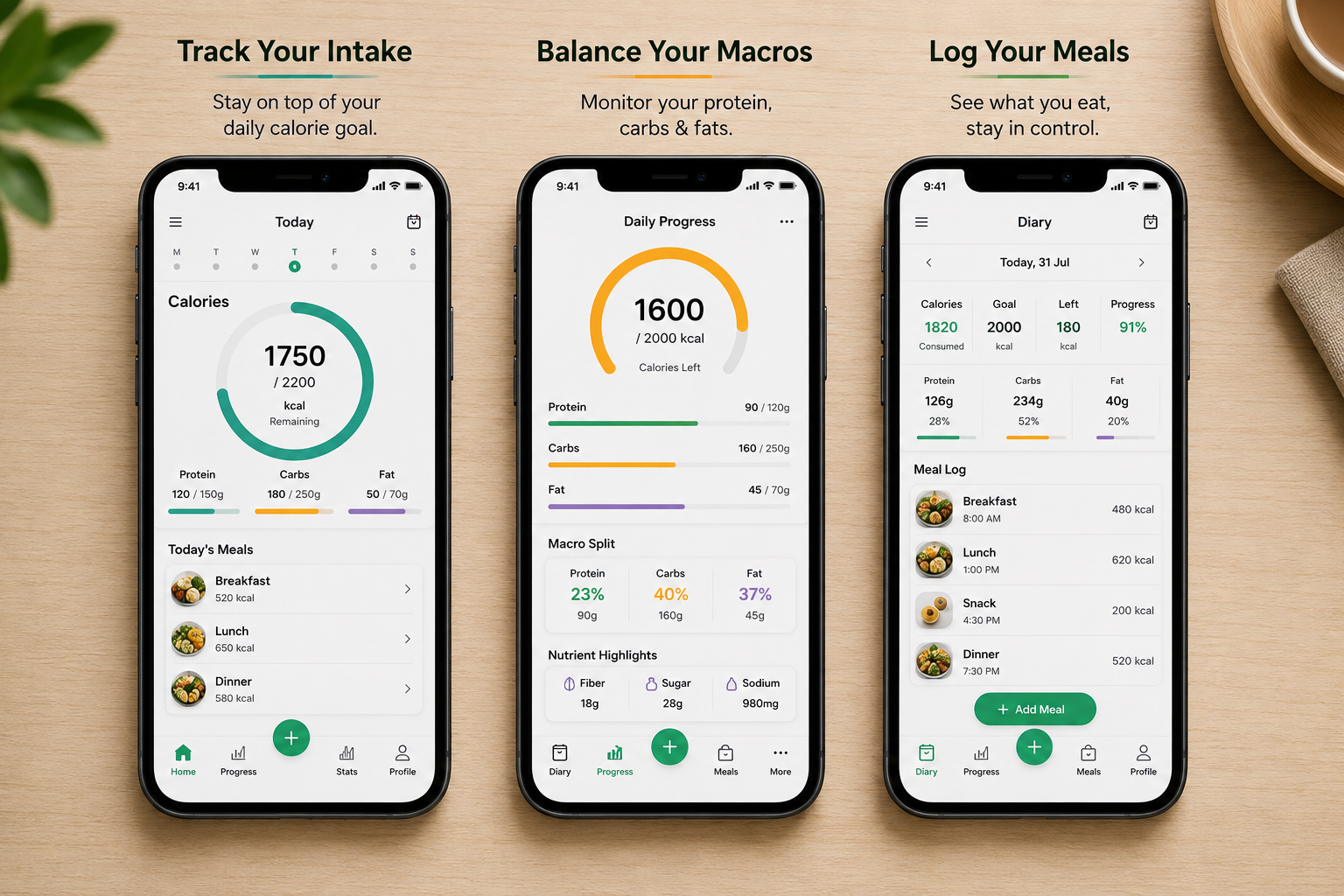
Caloura takes the AI photo-scanning approach that made apps like Cal AI popular, but keeps every feature free — no daily scan limits, no premium tier, no subscription at all. That includes AI food photo scanning, barcode lookup, full macro tracking (protein, carbs, fats), water and hydration logging, and personalized calorie targets based on your goal, whether that's weight loss, gain, or maintenance.
Side-by-Side Comparison
- AI photo scanning: Cal AI (limited free scans/day) · MyFitnessPal (not a core feature) · Caloura (unlimited, free)
- Barcode scanning: Cal AI (varies by plan) · MyFitnessPal (free tier) · Caloura (free)
- Macro tracking: Cal AI (often paywalled) · MyFitnessPal (free tier, limited detail) · Caloura (free, full detail)
- Subscription required for core features: Cal AI (yes, for unlimited scans) · MyFitnessPal (yes, for advanced features) · Caloura (no)
- Hydration tracking: Cal AI (varies) · MyFitnessPal (limited) · Caloura (free)
Which One Should You Choose?
If you prefer typing in foods manually and want the largest existing food database, MyFitnessPal's free tier can work, with the tradeoff of more manual effort. If you want fast AI photo logging and don't mind a subscription for unlimited daily scans, Cal AI delivers that experience. If you want AI photo scanning, full macro tracking, and hydration logging with zero cost and no subscription pressure, Caloura is built specifically for that.
The Bottom Line
All three apps can help you track calories effectively — the real difference comes down to what's actually free versus what's gated behind a paywall. Caloura was built around a simple idea: the core features people need to track calories shouldn't require a subscription. Download Caloura for free and see how it compares for yourself.
Enjoyed this article?
Start your nutrition journey with Caloura.